Commands in the launcher
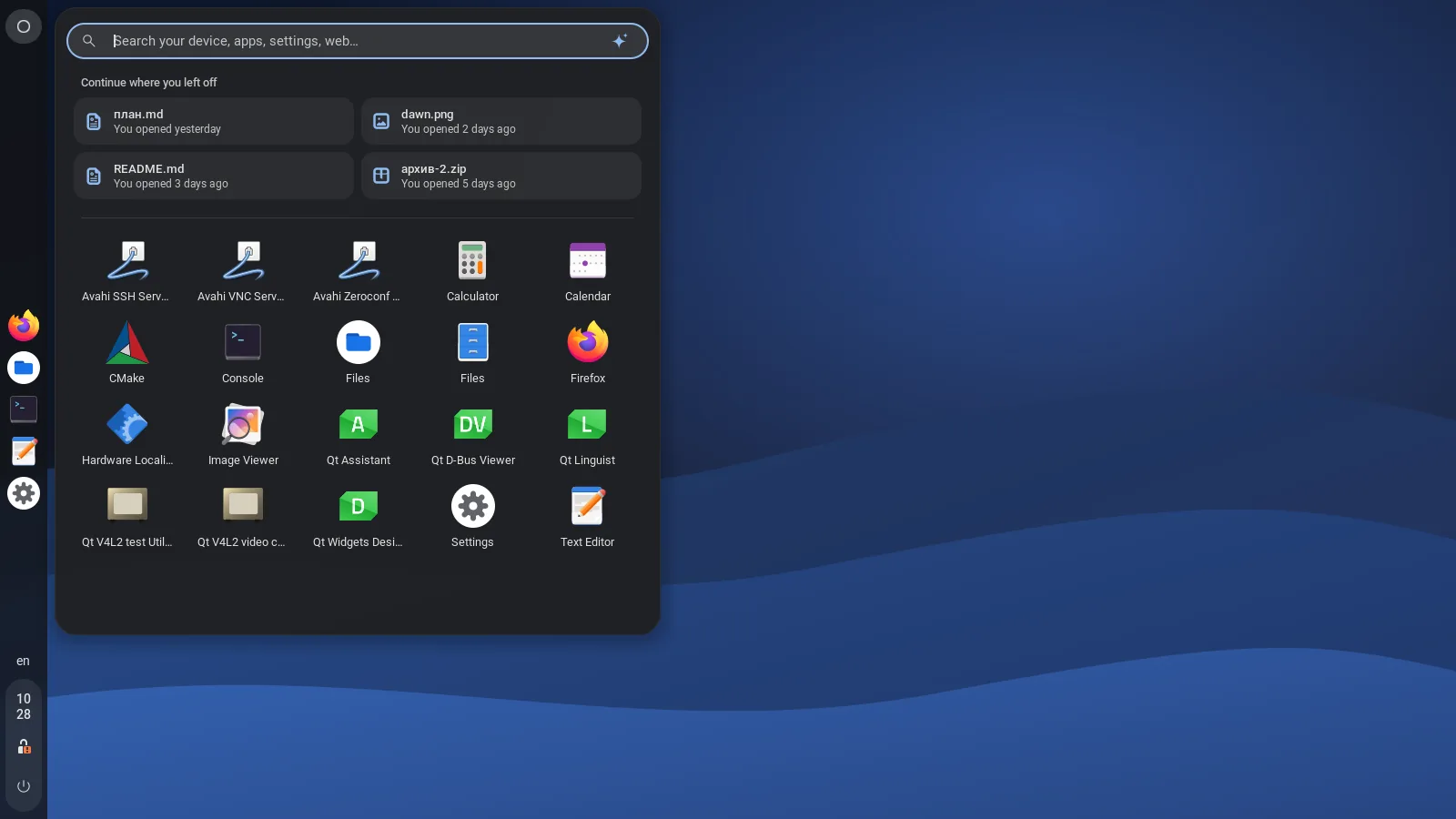
Type dark, volume 40, timer 5, coffee 30,
lock or empty trash and press Enter. Works in English and Russian.
 HypeDE
Русский
HypeDE
Русский
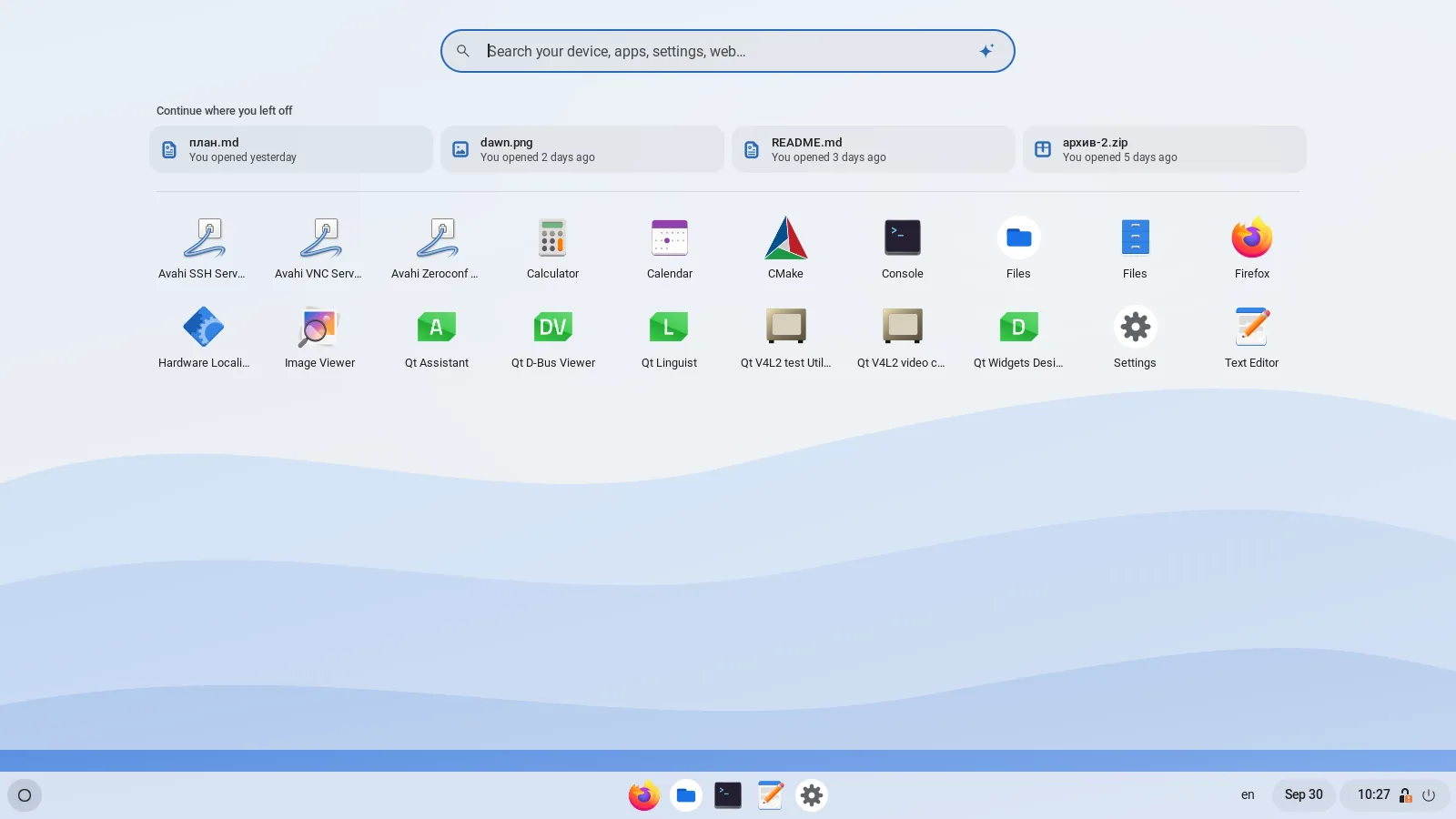
A shelf, a bubble launcher and a status tray, running on an unmodified GNOME Shell. Settings built from real KDE modules, a file manager of its own, desktop widgets, focus modes and a theme store on GitHub.
$ git clone https://github.com/hypede/hypede && cd hypede/packaging && makepkg -si
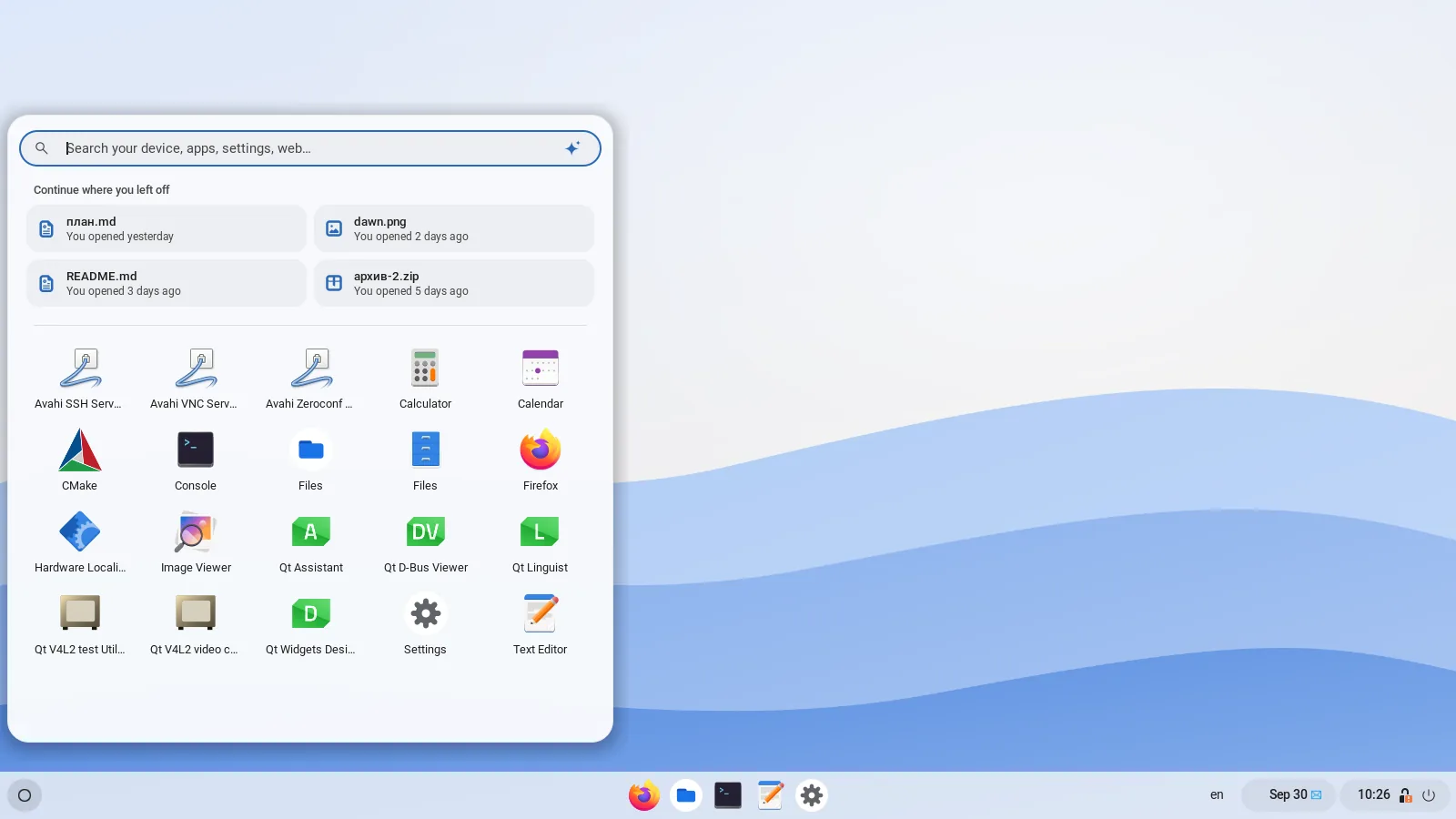
HypeDE is a separate session next to your regular GNOME. Your login screen gets a new “HypeDE” entry; nothing in GNOME is patched or replaced.
12*(3+4) and searches the web.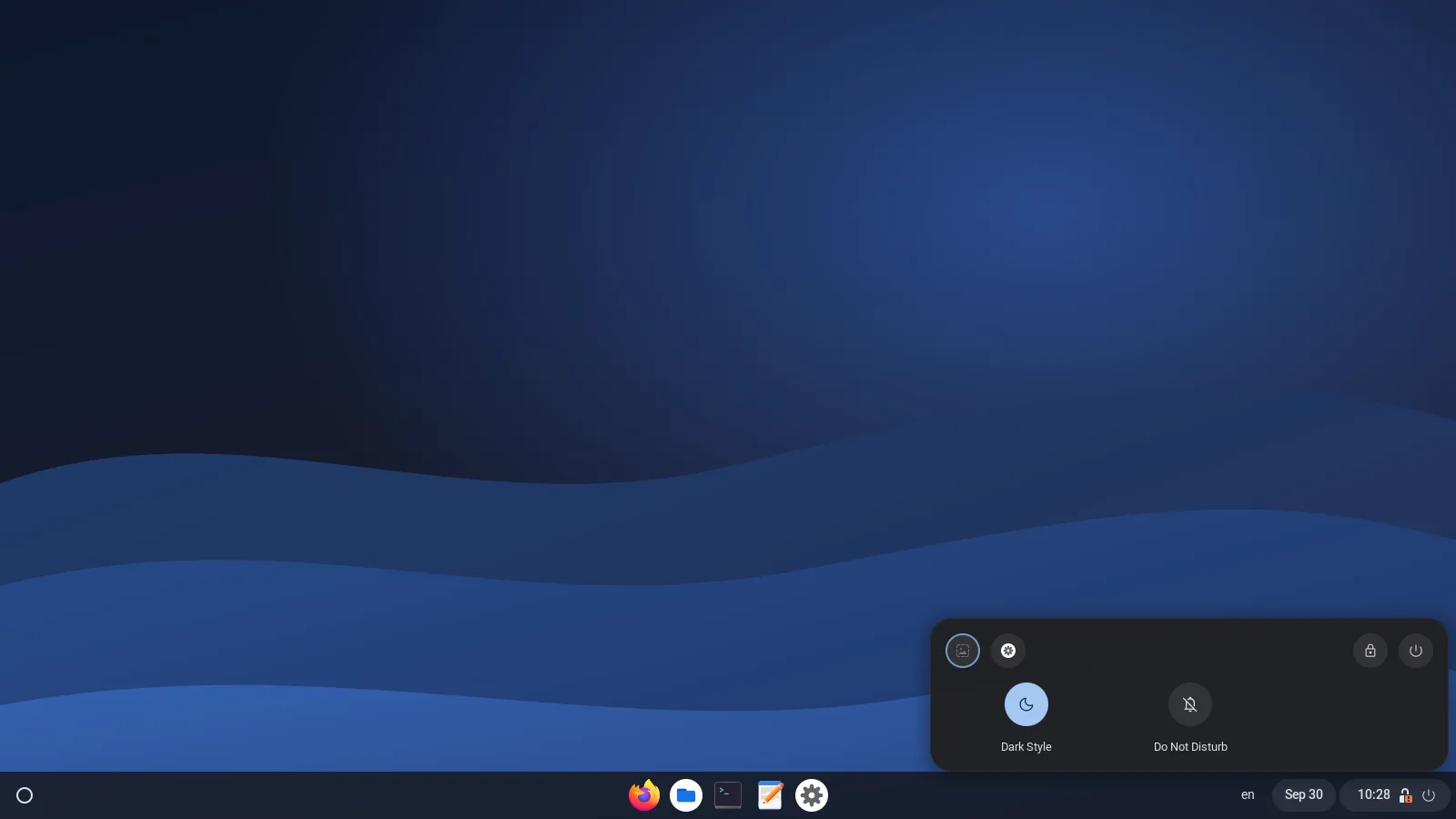


None of these need setting up. The wiki has the full list of commands and shortcuts.
Type dark, volume 40, timer 5, coffee 30,
lock or empty trash and press Enter. Works in English and Russian.
Work, Game and Study switch on Do Not Disturb, a power profile, a theme and the apps you need. Turning the mode off puts everything back.
After a restart HypeDE offers to reopen your windows on the same desks, in the same places. Super+Shift+T reopens the window you just closed.
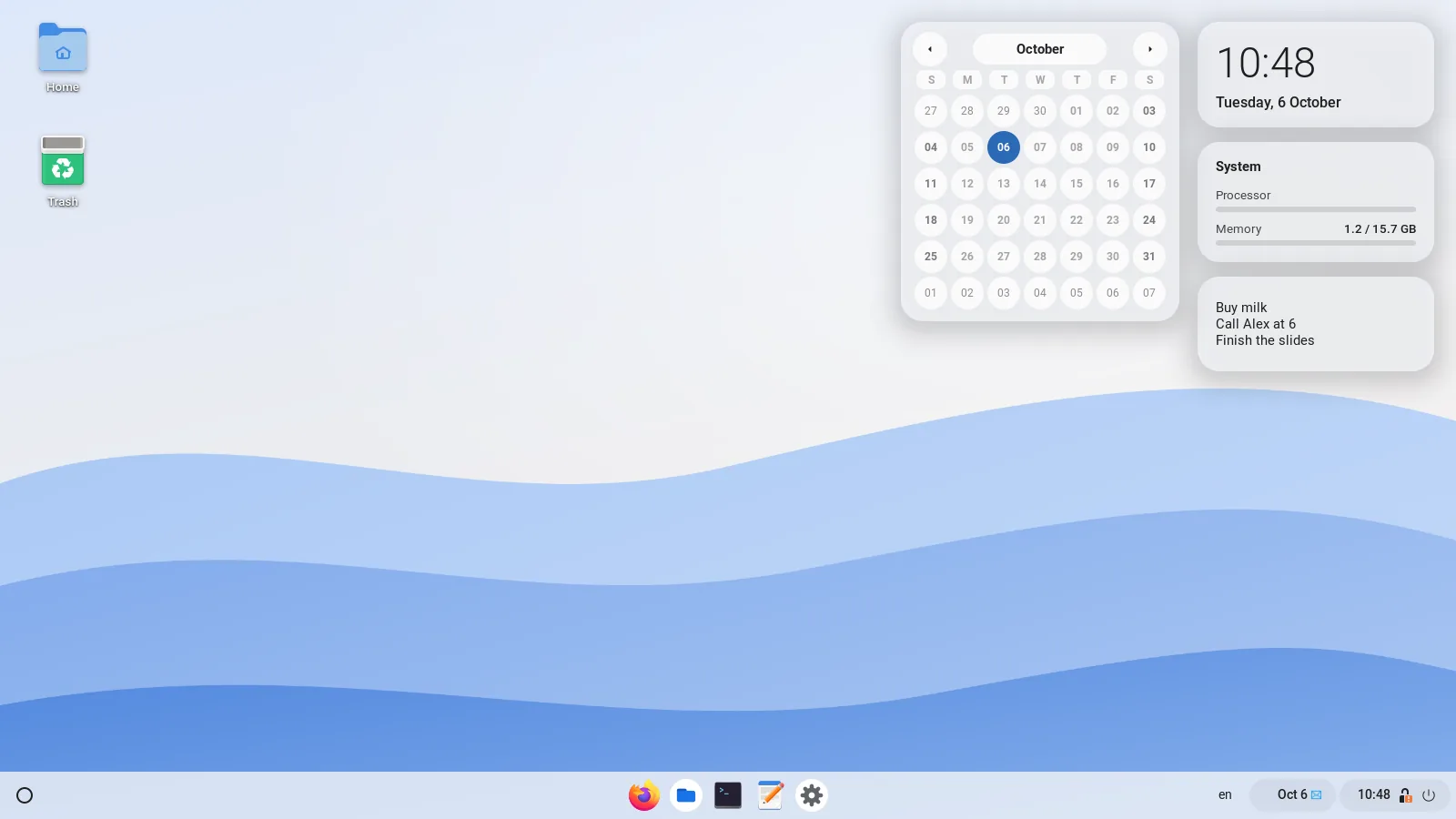
Clock, calendar, weather, system load, the song that is playing and a note. Drag them anywhere; right-click to add or remove.
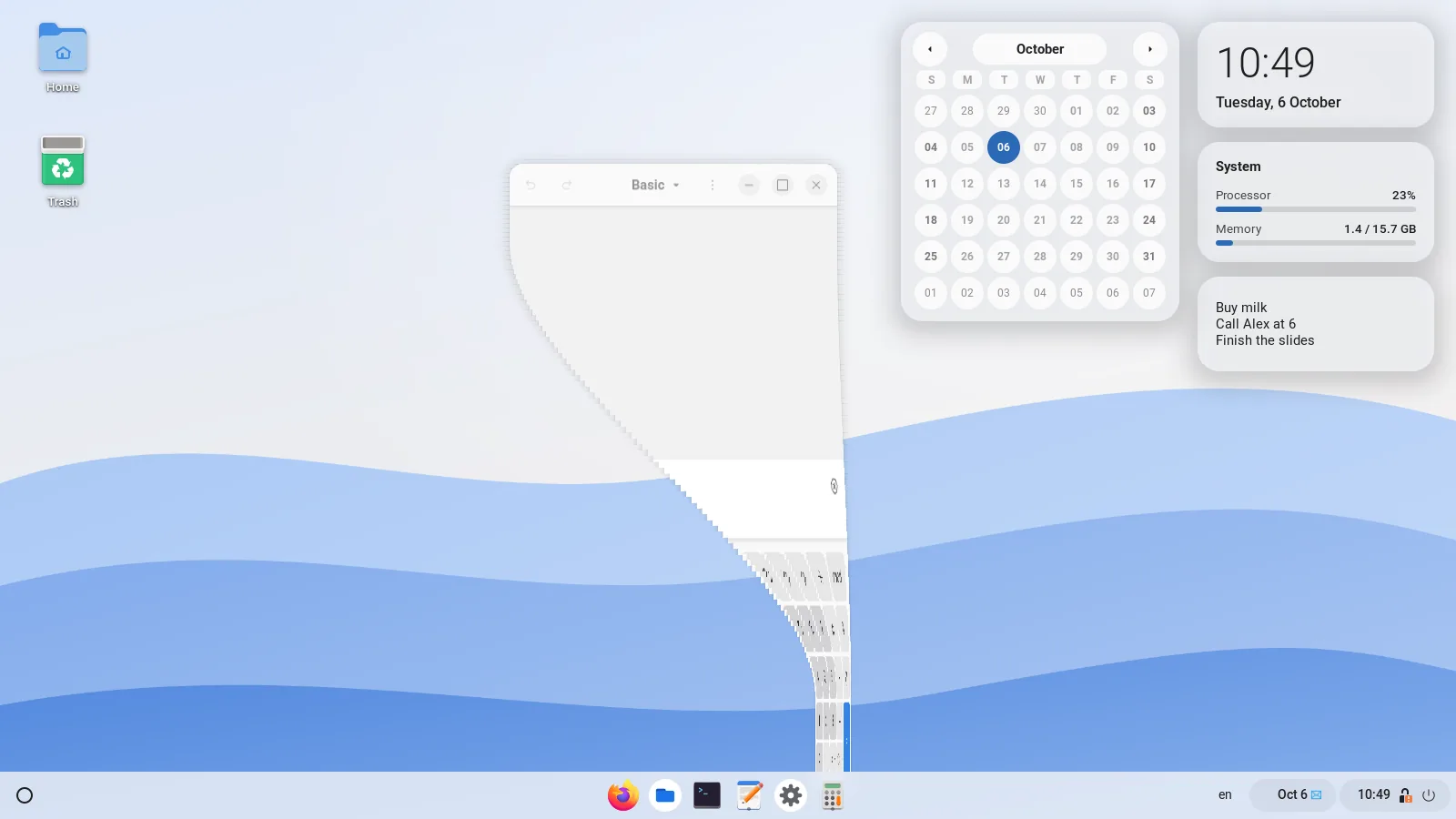
Windows open with a little spring, minimise into their shelf icon like a genie and wobble slightly while you drag them. Both effects have a switch.
Four fingers up opens the launcher, down shows the desktop. The motion follows your fingers and goes back if you change your mind. Three fingers stay GNOME's.
Claude, Gemini, Mistral, ChatGPT, Grok or DeepSeek, signed in with your own account. It only chats and sees only what you send it. Off until you turn it on.
Files from your Desktop folder, draggable into apps. Animated wallpapers, or a video or GIF of your own that pauses under maximised windows.
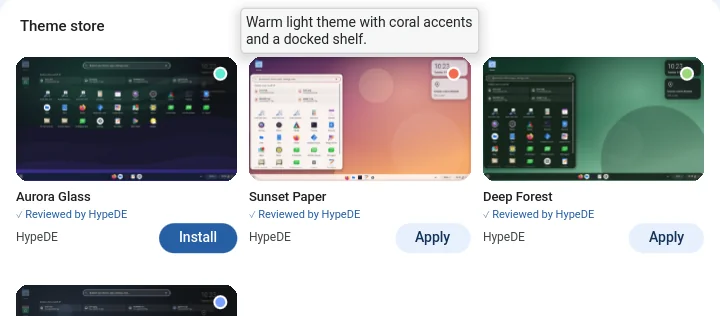
A theme sets colours, wallpaper, shelf, launcher, windows, lock screen, fonts and icons.
Save your current look as a theme, send it as a file, or install one from the theme store
in Settings. To publish yours, put theme.json in a public GitHub repository
and paste its link into Settings: a bot checks it and adds it to the store.
Every part of the desktop has a setting in HypeDE Settings, and HypeDE keeps its settings apart from your regular GNOME session, so experimenting there never changes GNOME.

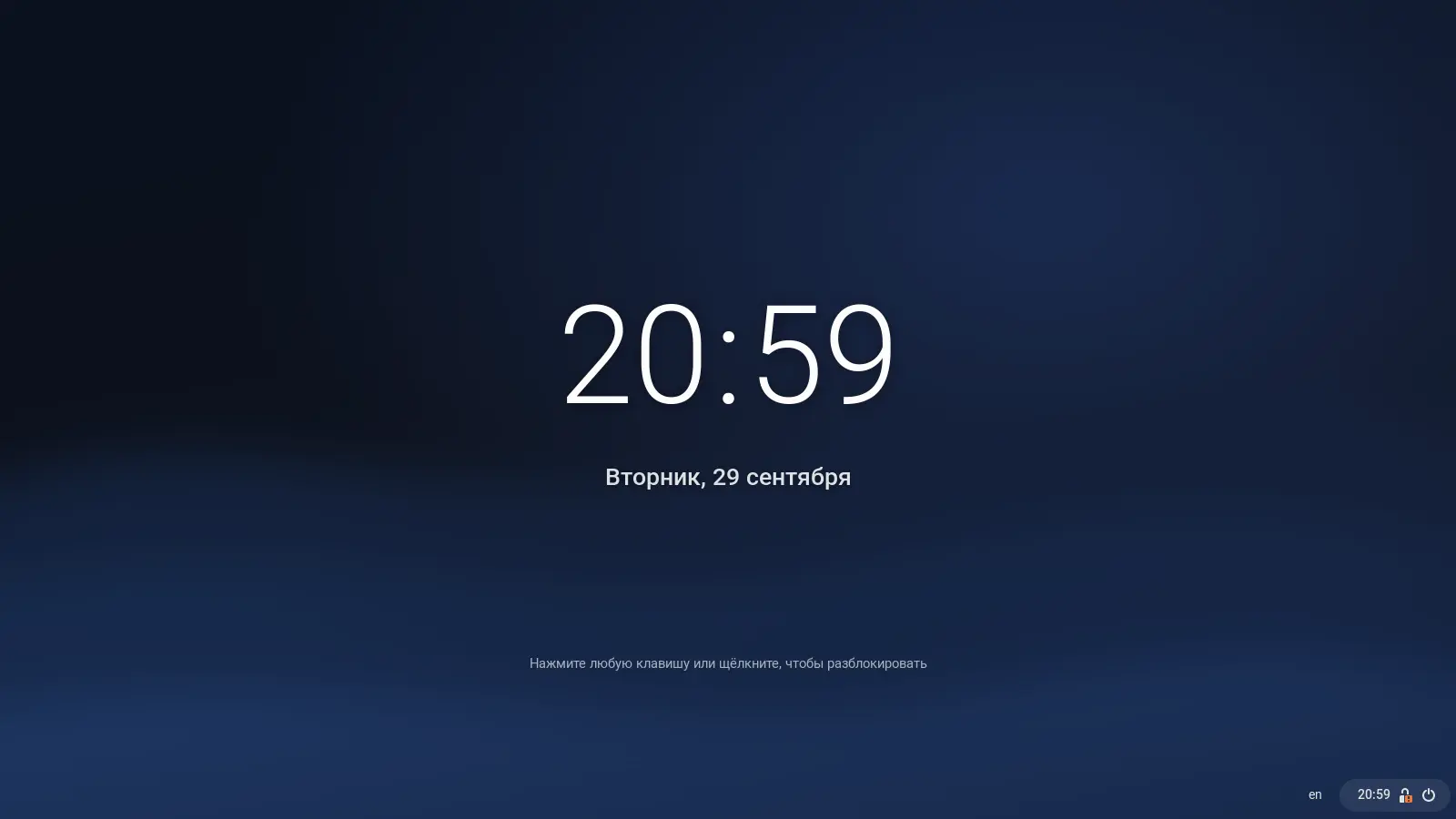
When you lock the screen, waves in your accent colour roll over it and reveal the blurred wallpaper and the clock. Press a key: the clock moves up, the password field springs in and cards with battery and system load unfold beside it. Unlocking folds everything away.
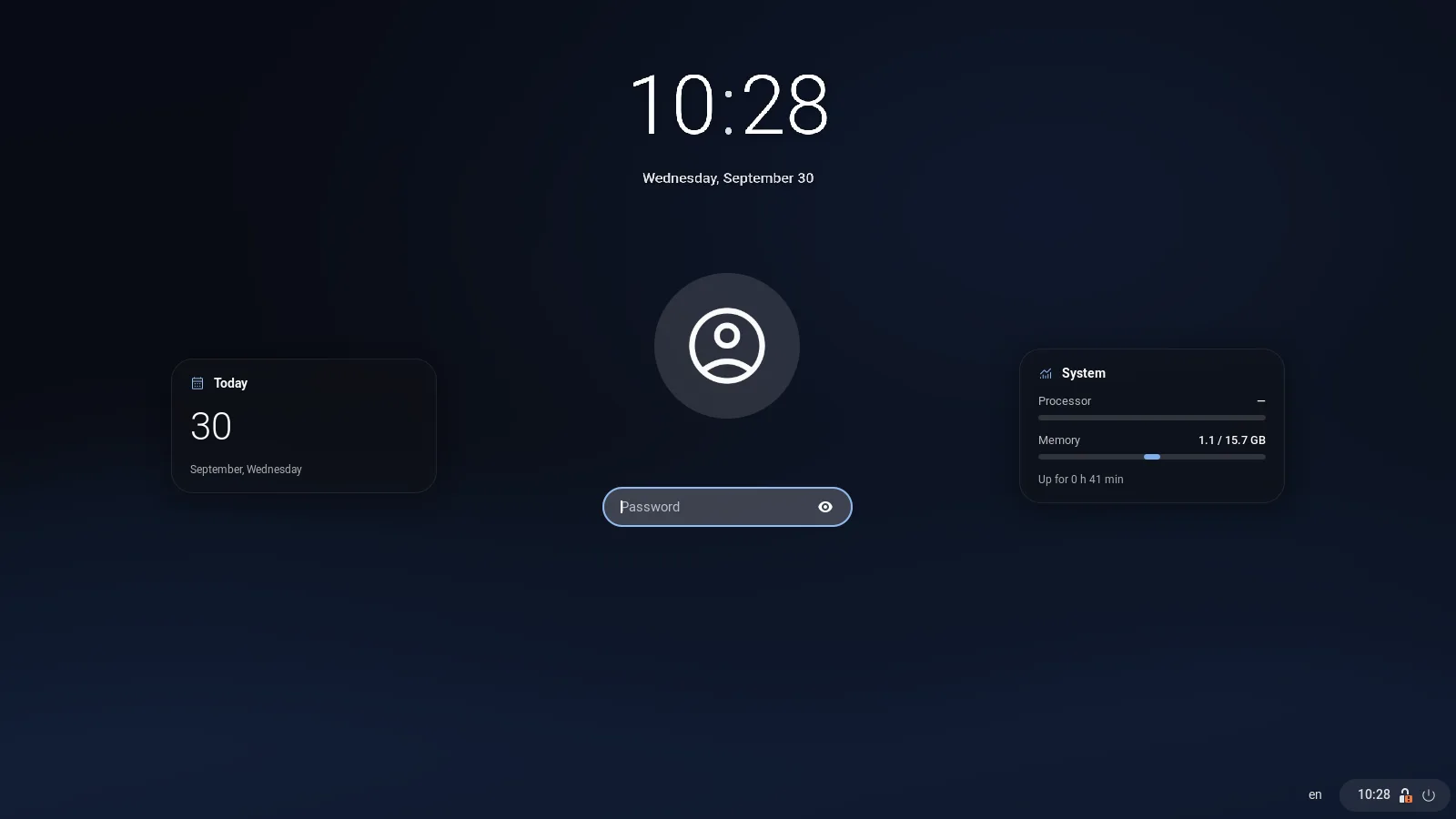
A GNOME Shell session mode and gnome-session units start the shell as
gnome-shell --mode=hypede. Defaults use :HypeDE sections, so they
never touch your regular GNOME session.
Settings loads modules with KCModuleLoader, the same function
kcmshell6 uses, so both QML and widget-based modules fit inside the page.
The session runs with a separate dconf database, ~/.config/dconf/hypede.
Layouts and accessibility come over from GNOME on first login; GNOME extensions stay out
unless you allow them, and optional GNOME services start only if you switch them on.
KDE modules that configure KWin or PowerDevil would do nothing under GNOME, so those pages talk to GSettings instead. Monitor arrangement still opens GNOME Settings.
shell/modes/hypede.json      top bar → shelf, enabled extensions
shell/extension/…            shelf, launcher, overview, notifications
session/                     login-screen session, gnome-session units
apps/settings/               Settings: C++/QML, KCMUtils, GSettings, D-Bus
apps/files/ Files: Python, GTK 4, libadwaitaNeeds GNOME Shell 48–50. The build limits compile jobs to your free memory; force a value
with JOBS=2 makepkg -si.
git clone https://github.com/hypede/hypede
cd hypede/packaging
makepkg -siAll optional. Without one, its row in Settings names the package to install.
sudo pacman -S plasma-nm bluedevil plasma-pa print-manager plasma-workspace \
plasma-desktop kde-cli-tools flatpak-kcm kinfocenter power-profiles-daemonThe session appears on GDM, SDDM and other login screens that read
/usr/share/wayland-sessions.
Other distributions: make && sudo make install, see the
README for dependencies.
Only want the shelf in regular GNOME? make install-user.